

On this page
- What is a headless browser?
- What is headless browser testing used for?
- Which browser automation tools run headless?
- How do bots use a JavaScript headless browser?
- Which bot signals are easy to fake?
- Why cost per attempt beats detection
- How a server-scored challenge handles headless bots
- Frequently asked questions
What is a headless browser?
A headless browser is an ordinary web browser running without its graphical interface. It still requests pages, parses HTML and CSS, runs JavaScript, stores cookies and fires events. It just never draws a window. Instead of a person clicking, a program drives it through an API: open this URL, type into that field, click this button, read what came back.
The quickest way to see one is to load a page with Puppeteer, the Node.js library for controlling Chrome. Install it with npm install puppeteer, save this as load.mjs and run node load.mjs:
import puppeteer from 'puppeteer';

const browser = await puppeteer.launch(); // headless by default
const page = await browser.newPage();
await page.goto('https://example.com');
console.log(await page.title());
await browser.close();
No window opens, yet the page loaded and its scripts ran. You can do the same without any library, straight from the Chrome binary:
chrome --headless --dump-dom https://example.comThat prints the page's DOM after JavaScript has run. On your machine the binary may be called google-chrome or chromium.
What is headless Chrome and headless mode?
Headless Chrome is Google Chrome started in headless mode, the --headless flag. It is the same browser and the same rendering engine, controlled over the Chrome DevTools Protocol. Firefox has a headless mode too. Because the engine is the real one, a page cannot tell a headless browser from a visible one just by how it renders. Chrome's own headless mode documentation covers the flags and how they behave.
What is headless browser testing used for?
Most headless browsers run on build servers, not on bots. Headless browser testing means running your end-to-end tests in a real engine on a machine with no screen, such as a CI runner. Common jobs:
- End-to-end tests. Sign up, log in, check out, and assert that the right page appears, on every commit.
- Visual checks. Take screenshots of key pages and compare them with the last release.
- PDFs and previews. Render an HTML invoice or report to a PDF, or make a social preview image of a page.
- Performance audits. Load a page under controlled conditions and record timings.
Headless browser automation beyond testing
Headless browser automation also covers chores no one wants to do by hand: pulling a monthly statement from a portal with no API, checking that a partner's page still links to you, or archiving a page exactly as it rendered. Search engines also render JavaScript-heavy pages in a headless engine so they can index what visitors actually see.
Which browser automation tools run headless?
Browser automation means a program controls a browser through code. The three tools you will meet most often:
| Tool | Drives | Talks to the browser through |
|---|---|---|
| Puppeteer | Chrome, Firefox | DevTools Protocol, WebDriver BiDi |
| Playwright | Chromium, Firefox, WebKit | Its own protocol per engine |
| Selenium | Every major browser | The W3C WebDriver standard |
All three run headless or with a visible window, and switching between the two takes one option. That matters later: the bot writer gets exactly the same choice.
How do bots use a JavaScript headless browser?
A simple bot posts straight to your form's endpoint with an HTTP library. That breaks as soon as the form needs JavaScript: a token written by a script, a field filled in by a framework, a request signed in the browser. A JavaScript headless browser removes that obstacle. It runs your scripts the way a visitor's browser does, so whatever your page does in JavaScript, the bot gets done for free.
A form-filling bot is the testing script from earlier with different intent:
await page.goto('https://shop.example/signup');
await page.type('#email', `user${n}@mail.example`);
await page.type('#password', 'Hunter2-' + n);
await page.click('button[type=submit]');
await page.waitForNavigation();
Wrap that in a loop, run a few dozen browsers in parallel and you have fake signups, credential stuffing, card testing or scraping. The only difference from an end-to-end test is how many times it runs and whose site it runs against.
Which bot signals are easy to fake?
Every request carries hints about what sent it. Some give away a careless bot. None of them hold up against one that bothers to hide.
| Signal | What a lazy bot shows | Effort to fake |
|---|---|---|
| User agent | HeadlessChrome, python-requests, curl | One line |
| Accept and Accept-Language headers | Missing from a bare HTTP client | None in a real browser, one line elsewhere |
| JavaScript execution | Nothing runs in a plain HTTP client | None: a headless browser runs it |
navigator.webdriver | true under automation | A launch flag or a stealth plugin |
| IP address | A cloud or reserved range | Rent residential proxies |
The navigator.webdriver property is defined by the WebDriver standard so pages can tell when a browser is under automation. MDN's reference explains it. Like every other signal on this list, it is set by the client, so the client can unset it.
How user agent spoofing works
User agent spoofing means sending another browser's User-Agent string in place of your own. Headless Chrome's default string names it as HeadlessChrome, and replacing that takes one call:
await page.setUserAgent(
  'Mozilla/5.0 (Windows NT 10.0; Win64; x64) AppleWebKit/537.36 ' +
  '(KHTML, like Gecko) Chrome/130.0.0.0 Safari/537.36'
);
From then on, every request claims to come from desktop Chrome on Windows. Anything that blocks on the user agent alone has now let the bot through. Header checks still have value, because they cost nothing and catch every script that skipped this step. They just cannot be the whole defence.
Why cost per attempt beats detection
Detection is an arms race you lose slowly. Every fingerprint check you add, a stealth plugin learns to pass, and every check that is too strict blocks a real person on an unusual browser. A well-built headless bot on a residential proxy looks, from one request, like any other visitor.
Abuse almost always depends on volume, though. One fake signup is worthless and fifty thousand are a business. Testing a stolen card list or a password list means thousands of tries for a few hits. So the question that matters is not "is this a bot?" but "what does the ten-thousandth attempt cost?" If every attempt has to pay a real price in solving and computing, which a person pays once without noticing, the bot's economics break whether or not you ever identified it.
The useful question. Do not ask whether you can spot every headless browser. Ask whether a bot can afford to run your form ten thousand times.
How a server-scored challenge handles headless bots
PrivCaptcha scores each challenge request on the server from a few signals the request carries, and the score sets how hard the challenge is. It never blocks anyone outright. The client never sends a difficulty and cannot ask for an easier one. Here is how a headless bot meets it:
- The default headless user agent is penalised. Automation user agents such as HeadlessChrome, Puppeteer, Playwright, Selenium, curl and python-requests add 40 points to a starting score of 20. A missing Accept-Language header adds 15 and a missing Accept header adds 10.
- A spoofed bot still pays. With a clean user agent the bot scores like a person, at 20. It still has to solve the puzzle and compute a SHA-256 proof-of-work on every single attempt: about 16,000 hashes at that score, rising to about a million at a score of 100.
- Wrong answers raise the price. Each failed challenge adds 8 points, up to 40, against a daily-rotating hash of the client, so a bot that guesses gets tighter puzzle tolerances and more proof-of-work for the rest of the day.
- Tokens work once. Each solve token is single-use and bound to the site that issued it, and your backend redeems it through the siteverify API. A headless browser cannot solve once and reuse the pass.
Request signals cannot catch everything. A script-driven real browser with clean headers, or a paid human solver, gets through like a person does. The design accepts that and prices it instead: a person pays the cost once, and a bot running ten thousand attempts pays it ten thousand times. The same thinking runs through the bot protection use case.
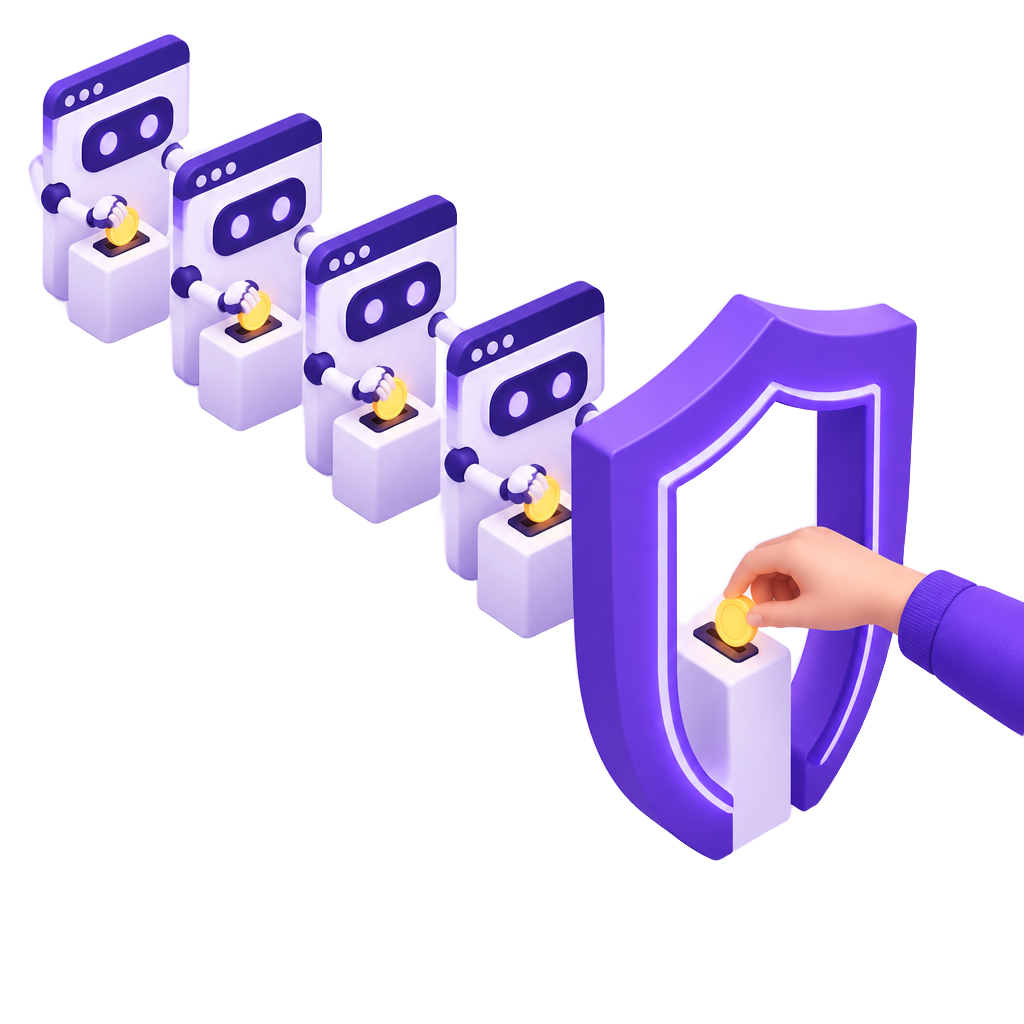
Make every headless attempt pay its way
PrivCaptcha scores each request on the server, then charges every attempt a puzzle and a proof-of-work. People pay once. Bots pay every time.
Frequently asked questions
Mostly for automated testing: running end-to-end tests on CI servers with no screen. It is also used to render pages to PDFs or screenshots, automate tasks on sites with no API, and let search engines render JavaScript. Bots use the same tools to fill forms, scrape content and test stolen credentials.
Headless Chrome is Google Chrome started with the --headless flag. It runs the full Chrome engine, including JavaScript, cookies and layout, without opening a window. Programs control it through the Chrome DevTools Protocol, usually via a library such as Puppeteer or Playwright. Its default user agent string contains HeadlessChrome.
Sometimes. A default setup gives itself away through its user agent, the navigator.webdriver flag or missing headers. Every one of those signals is set by the client, so a careful bot can change them. Detection catches lazy automation. To stop the rest, make each attempt cost something.
It is usually somewhat lighter, because it does not paint a window, and it is easier to run many copies on a server. It still downloads every resource, runs every script and computes layout, so a heavy page stays heavy. The real speed gain comes from automation, not from the engine.
Not by detecting them, since a headless browser can render and interact with a captcha like any browser. A captcha works by making each attempt cost a solve and computing time, so mass abuse gets expensive. PrivCaptcha adds a proof-of-work to every attempt and raises the difficulty for risky or failing clients.